
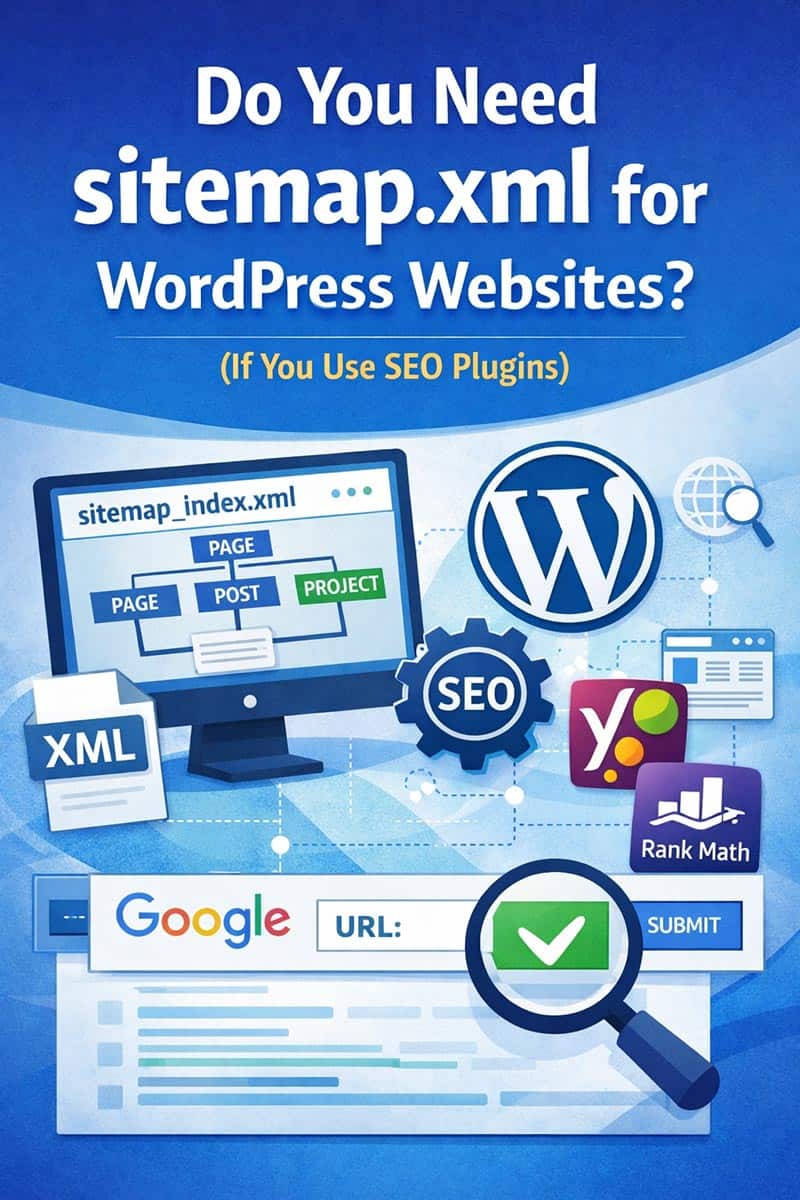
If you’re running a WordPress website, you’ve probably heard about sitemaps and wondered whether you need to create a manual sitemap.xml. The short answer is: No, you usually don’t need to manually create one—especially if you are using an SEO plugin.
In fact, modern WordPress SEO plugins like Yoast SEO and Rank Math automatically generate and manage sitemaps for you. Understanding how this works can save you time and prevent common SEO mistakes.
What Is a Sitemap?
A sitemap is a file that lists all the important pages on your website. It helps search engines like Google understand your site structure and discover your content more efficiently.
There are two main types:
- XML Sitemap – for search engines
- HTML Sitemap – for users
For SEO purposes, the XML sitemap is the most important.
sitemap.xml vs sitemap_index.xml
Many beginners create a sitemap.xml using online tools and upload it manually. While this may work, it’s not the best approach for WordPress websites.
SEO plugins generate a dynamic sitemap called sitemap_index.xml.
Key differences:
| Feature | sitemap.xml | sitemap_index.xml |
|---|---|---|
| Type | Static | Dynamic |
| Updates automatically | ❌ No | ✅ Yes |
| Suitable for WordPress | ❌ Not ideal | ✅ Recommended |
| Contains multiple sitemaps | ❌ No | ✅ Yes |
The sitemap_index.xml acts as a master sitemap, linking to:
- page-sitemap.xml
- post-sitemap.xml
- custom post types (like project-sitemap.xml)
Why You Should NOT Use a Manual sitemap.xml
If you manually upload a sitemap:
❌ It becomes outdated quickly
❌ New pages won’t be included automatically
❌ It can conflict with your SEO plugin
❌ Google may get confused by multiple sitemaps
This can hurt your SEO instead of helping it.
Why SEO Plugins Are Better
Plugins like Yoast SEO and Rank Math automatically:
- Generate sitemaps
- Update them when you publish content
- Exclude pages set to “noindex”
- Organize content into structured sitemaps
This means your sitemap is always accurate and optimized.
Do You Need All Sitemap Types?
When using an SEO plugin, you’ll see multiple sitemap files. Here’s what they mean:
page-sitemap.xml
Contains all your pages (including landing pages)
👉 Very important
post-sitemap.xml
Contains blog posts
👉 Important for SEO growth
project-sitemap.xml
Custom post types (e.g., portfolio)
👉 Keep if used
author-sitemap.xml
Author archive pages
👉 Usually not needed and can be disabled
Should You Add Sitemap to Your Website Footer?
No. You do not need to add your XML sitemap to the footer.
Sitemaps are designed for search engines, not users. Adding them to your site:
- Doesn’t improve rankings
- Doesn’t help user experience
Instead, focus on:
- Internal links
- Navigation menus
- Footer links to key pages
How to Submit Your Sitemap to Google
To ensure your sitemap is used properly, submit it via Google Search Console.
Steps:
- Open Google Search Console
- Go to Sitemaps
-
Enter:
sitemap_index.xml - Click Submit
Google will automatically discover all linked sitemaps.
Best Practices for WordPress Sitemaps
To get the best SEO results:
✔ Use only sitemap_index.xml
✔ Remove any manually created sitemap.xml
✔ Ensure important pages are set to “index”
✔ Add internal links to key pages
✔ Keep your sitemap clean and updated
Conclusion
If you’re using WordPress with an SEO plugin, you do not need to manually create a sitemap.xml. The automatically generated sitemap_index.xml is more powerful, efficient, and SEO-friendly.
By relying on tools like Yoast SEO or Rank Math, you ensure that your site structure is always up to date and optimized for search engines.
Focus on creating quality content, building internal links, and maintaining a clean site structure—your sitemap will take care of itself.